Markdown, made for research
A shared language for writing, and a flexible set of components for presenting ideas. Explore the article format in one place.
Write once. Style together.
This page is a format example, not a research result. It brings the building blocks of an article together so writers and designers can see how they work.1
A writer supplies the ideas. A shared set of components gives those ideas a consistent shape: clear emphasis, a change in voice, a superseded thought, and a precise name such as sample_count.
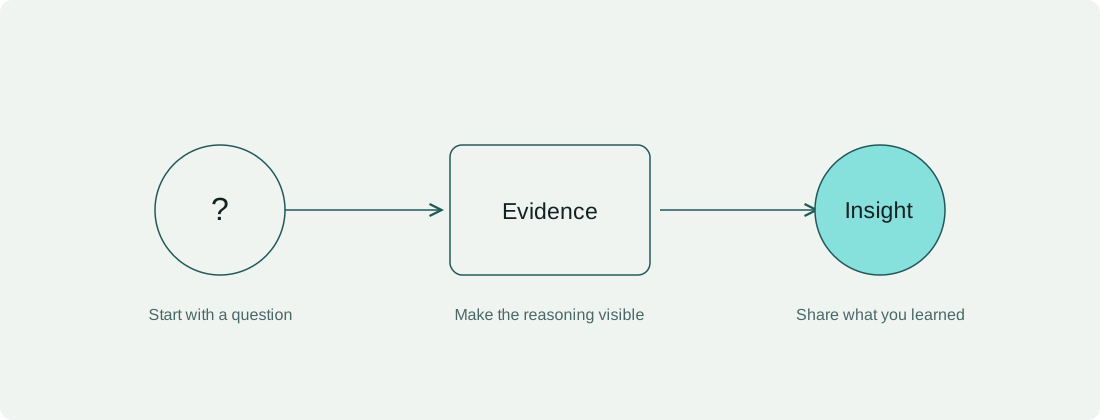
A useful research article makes the question, the evidence, and the limits easy to find.
A small publishing routine
- Copy the article template into a new folder.
- Add the text and its supporting files.
- Review the preview with the team.
- Keep related files together.
- Images live beside the article.
- Code and static outputs can live there too.
- Let components take care of presentation.
Before review, check the essentials:
This is a read-only checklist. For the source format, see the Markdown documentation.
Figures with context
A normal Markdown image stands on its own:
When a figure needs a visible caption and a stable reference, use the figure block. The caption below belongs to the same component as its image.
Tables that stay readable
The values here demonstrate alignment and emphasis. They are illustrative, and do not report a benchmark.
| Element | Source | Example count |
|---|---|---|
| Observations | n | 2,000 |
| Variables | d | 20 |
| Repeats | r | 5 |
Tables keep their column alignment on a small screen and can scroll within the reading column.
Code, without a screenshot
A fenced block can carry a language and a filename. Highlighting is prepared with the article; the reader receives the code as text.
A named source file
observations = [(1, 2), (2, 3), (3, 4)]
sample_count = len(observations)
print(f"Samples: {sample_count}")
Source and static output
The output below is written by the author. The page does not execute this code.
observations = [(1, 2), (2, 3), (3, 4)]
print(f"Samples: {len(observations)}")
Samples: 3
Files that travel with the article
The next blocks load the bundled source and its recorded output.
observations = [(1, 2), (2, 3), (3, 4)]
sample_count = len(observations)
print(f"Samples: {sample_count}")
Samples: 3
A fence without a language is still a code block:
This fence has no language.
Whitespace and line breaks stay intact.
Notes and references
A little more context
Supporting material can remain close to the main explanation without interrupting it.
- This disclosure contains ordinary Markdown.
- It works with a keyboard and opens without JavaScript.
A note on scope: charts and interactive demonstrations need their own component contract. This first example focuses on the article's basic elements.
A repeatable section
Headings generate links for the contents list. The first occurrence has its own stable anchor.
A repeatable section
A repeated heading receives a different anchor, so each section remains reachable.
A final paragraph can link back to the figure, or to the article list.
Footnotes
-
This sample is for reviewing article structure, typography, and authoring conventions. It makes no claim about a model or a research finding. ↩